Why Accessibility
The development of Web Access Pro, a chrome extension to analyze websites for accessibility errors, came out of the need to fix the websites that I was building for my clients.
Existing tools tended to allow only the scanning of the home page and the expense of moving further was prohibitive. And when I looked for resources to assist me, guidelines were written in a manner that was unclear and confusing. This meant hours wasted trying to find the solution.
But why even worry about accessibility? I would often find the extra expense associated with compliance was something most clients were not willing to pay even when made aware of the potential legal consequences. Since enforcement was lax in the private sector, many business owners felt they could get by. Unfortunately for these business owners that have ignored the issue, this is changing.
I was further discouraged by the stats I found. And saddened to hear that the design community has not been a leader in advocating for the disabled. To me, this needs to change.
In 2020, 98% of U.S. websites were determined to be non-compliant with accessibility standards.
Although in the U.S., the Americans with Disabilities Act celebrated a 30 year anniversary recently and was applied to all electronic and information technology in 2010, the scope of the problem shows that we are not doing enough to serve those with disabilities even though they make up 20% of the global population.
About Me
I am a graphic and web designer that works part-time for Studio A. I was hired in 2013 to add web design to the agency and am the primary designer to work on any web or interactive jobs. I am also responsible for making PDFs accessible when this is requested for our print projects that have digital version. But, I will also contribute to the print projects for the studio such as book design, journal design, exhibition design, and even stamp design.
In 2020, I released a short digital workshop to teach HTML and CSS coding to other designers interested in going beyond drag and drop visual builders and template design. I launched the Designers Learn Code YouTube channel and the Daily Code Snippet in 2021 to teach a single coding concept to busy designers who wouldn't have time for a course. I made teaching accessibility a core of this course,
My B.F.A. is from the Corcoran College of Art + Design in Washington, D.C. Design is my second career. Prior to 2006, I worked as an attending emergency physician at Inova Fairfax Hospital in VA and other hospitals in the area. When I was no lonnger able to practice medicine as a result of health issues, I decided to pursue a career in the art and design.
Purchase Web Access Pro
All Web Access Pro purchase plans have at least a 14 day trial so that you can see whether the chrome extension is for you. While we have initially released the extension to work with Chrome, it is the intention to provide additional support for other browsers in the future. When you click on the link below you will be directed to a page where you can create your account and pick the plan you prefer. Your credit card will not be charged until the trial is over. Once you have a plan you can go to the chrome web store page to install the extension and start scanning! The videos below will assist you in this initial installation process.
How to install and use Web Access Pro
The videos below show you how to purchase and install Web Access Pro. For additional help articles about using Web Access Pro, please go to our support page.
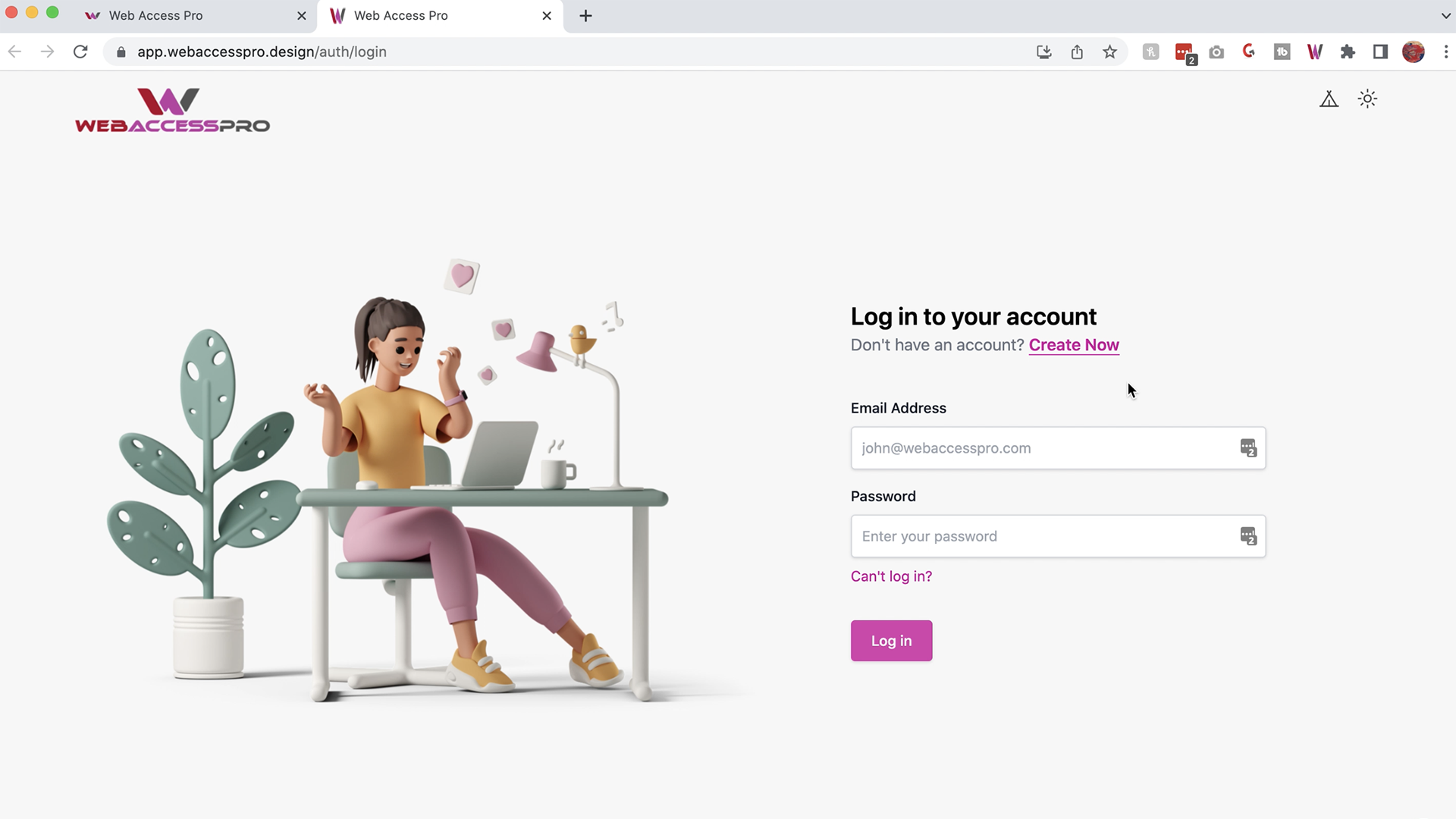
Creating your Web Access Pro account and getting your 14 day free trial
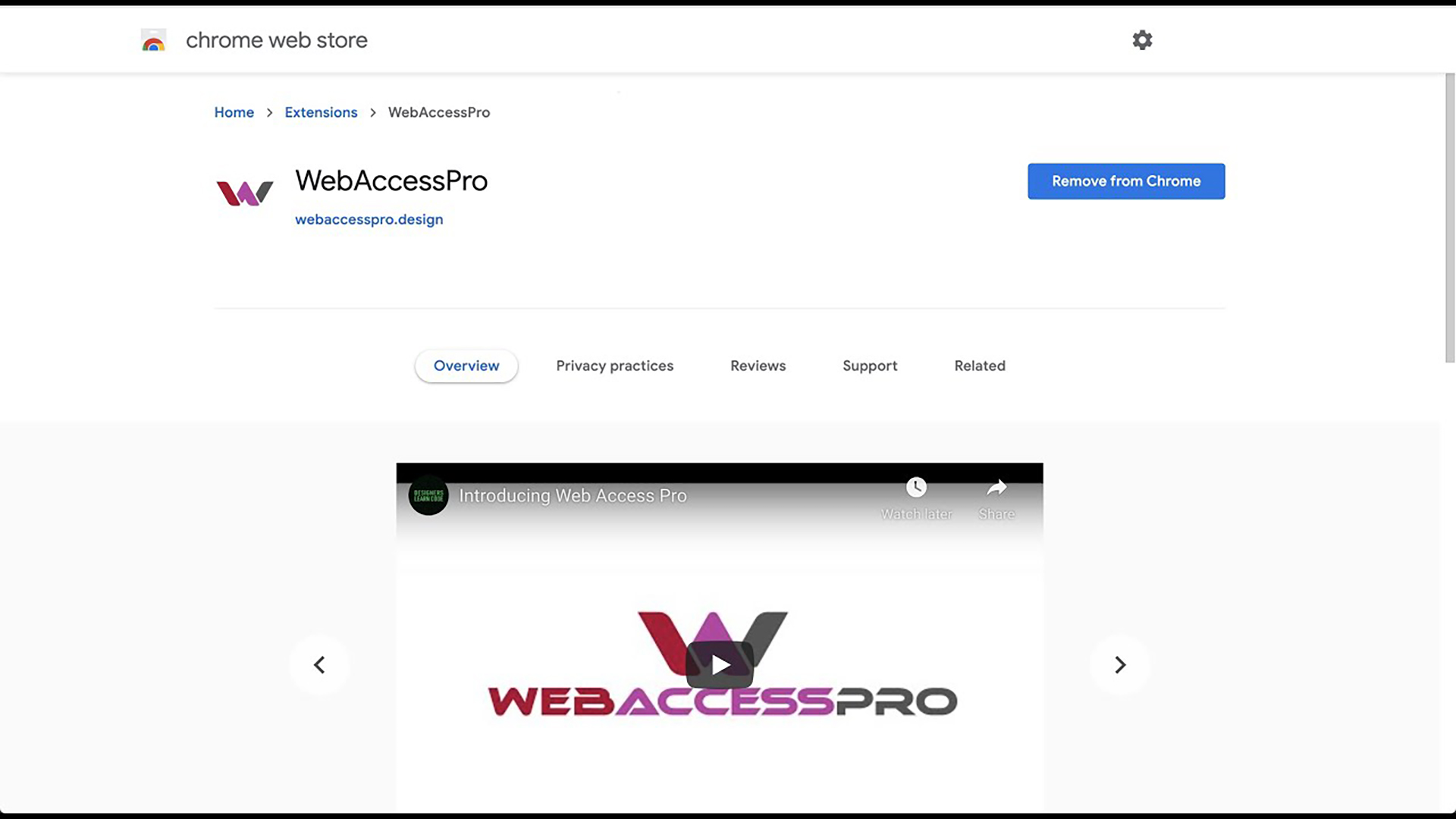
Installation of the chrome extension